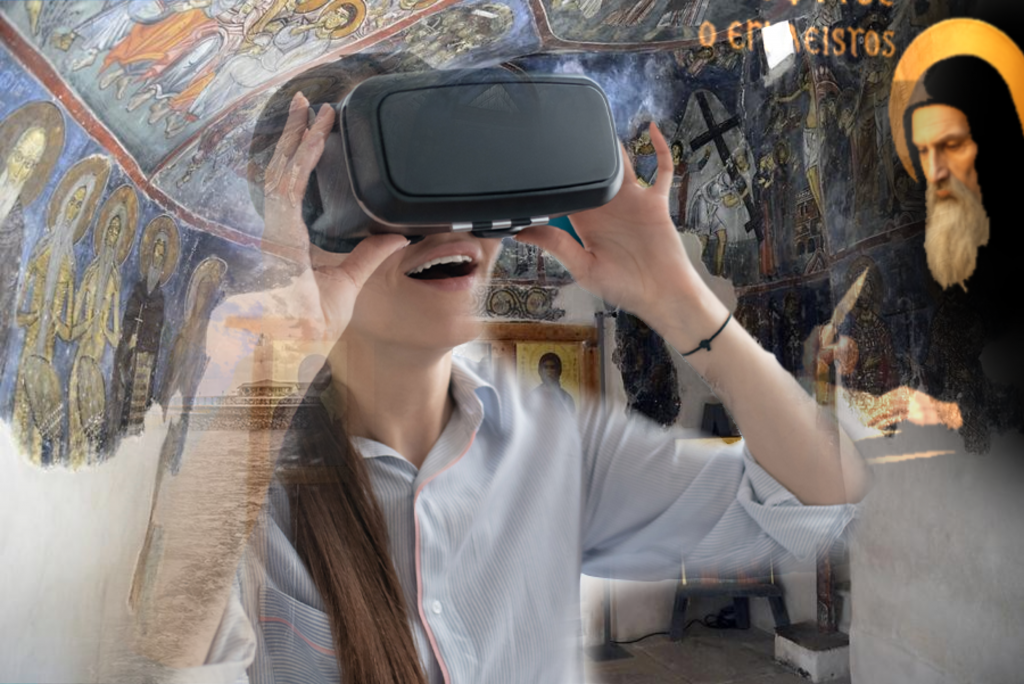

Reusable datasets and guidelines for creating virtual human characters in cultural heritage experiences
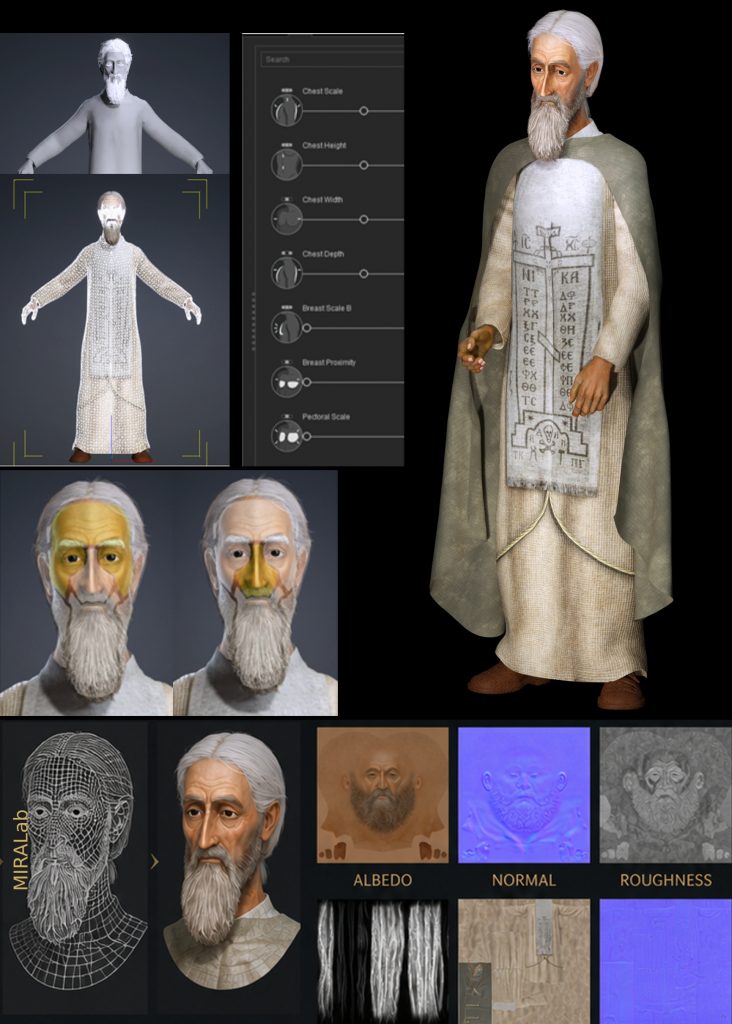
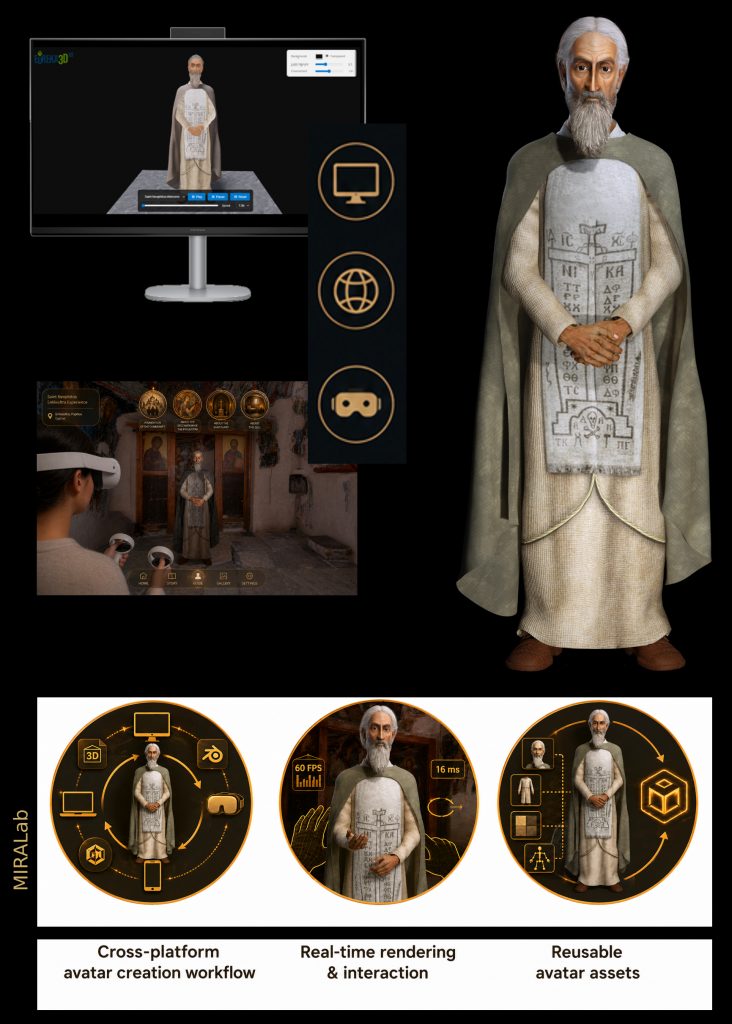
The Avatar Builder developed by MIRALab provides a structured methodology for creating animated virtual human characters both for web visualisation and for VR/MR storytelling. Rather than a software tool, it consists of a curated set of assets, guidelines, and best practices for using open-source tools to support the development of culturally and historically grounded avatars for immersive experiences. To visualize the models and play the movements and sound, an advanced viewer for animated 3D was specifically developed within the EUreka3D-XR project.
The tool is provided by MIRALab as open access documentation and guidance, and it is demonstrated in the project through the creation of virtual monks for the Saint Neophytos scenario.
In a nutshell
What is the Avatar Builder?
Avatar Builder is a workflow and pipeline for creating animatable virtual characters that can be embedded in XR experiences.
Who is the Avatar Builder for?
- Cultural Heritage Professionals
- Creative and XR professionals
Key features
- Create or adapt humanoid avatars
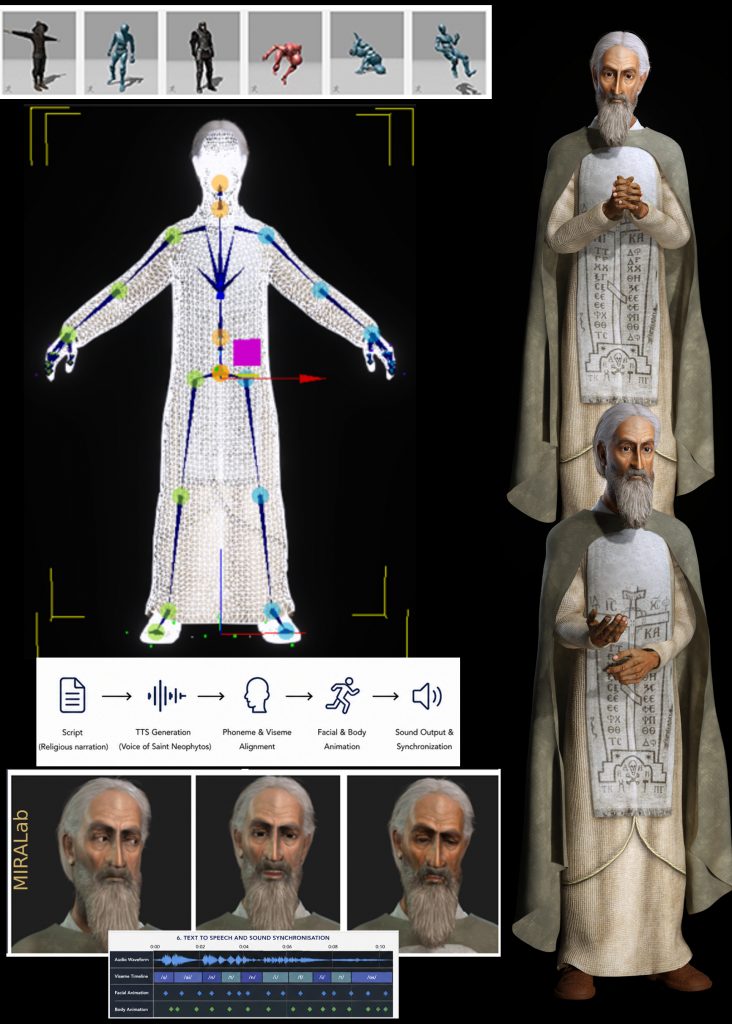
- Animate gestures and narration
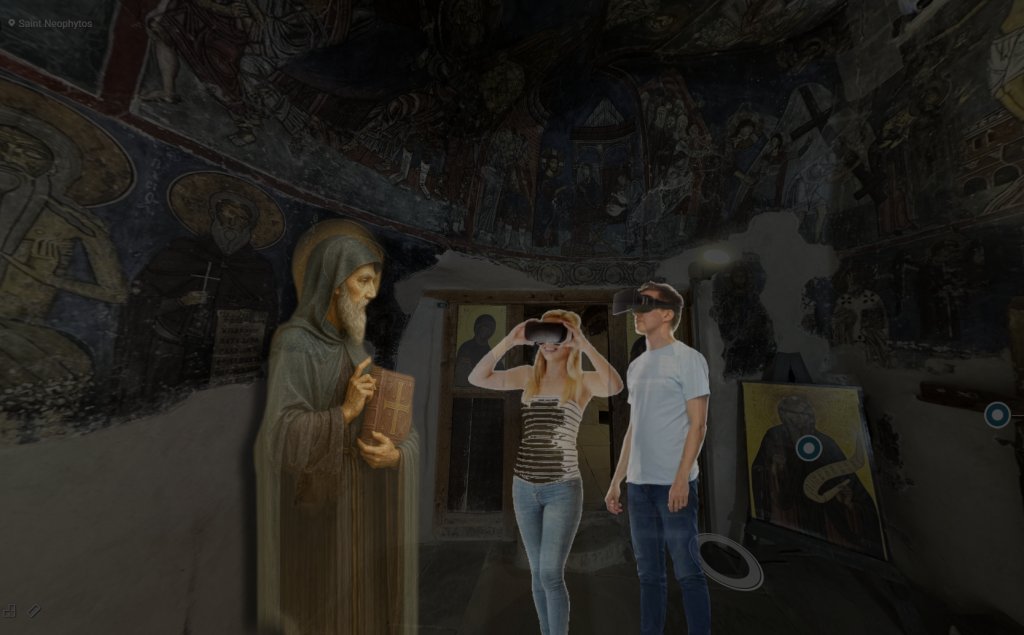
- Combine avatars with 3D environments
- Deploy to web-based viewers
- Support for VR and MR pipelines
What do you need?
- No advanced programming skills are required, although some steps may involve a more technical setup depending on the chosen output.
- A computer
- Internet access
- Free software tools: MakeHuman, Mixamo, Blender
- Game engine (for immersive experiences): Unity
- Optional: reference images or sketches of your character
- Optional: headphones or speakers
- For immersive experiences (VR/MR): a Meta Quest 3 headset
Output
- Digital avatar that can be used in multiple platforms, such as XR experiences and web-based platforms.
Example of user story
A cultural heritage institution wishes to communicate the story of a historical site through one of its key historical figures, making the narrative more engaging and accessible to visitors.
- The narrative (story, context, main events) is defined from a curatorial perspective.
- A 3D avatar representing the historical character is created using accessible tools.
- The narration is produced:
- either recorded by a human voice, or
- generated automatically using text-to-speech (TTS).
- The audio is used to automatically generate synchronized facial animation (lip-sync) for the avatar.
- The animated character is integrated into a 3D environment representing the heritage site.
- The experience is prepared for interactive exploration.
The final application is published for different setup (visualisation mode)
- via a web-based viewer for remote access, and/or
- as an immersive VR/MR experience. MR is mainly used for on-site visitors.
- Visitors can explore the environment and engage with the virtual character to learn about the site’s history.
Manual and Documentation
- Download the Avatar factsheet (PDF)
- Download the User Manual (PDF)
- For developers: source code of the EUreka3D-XR Viewer for animated 3D models on GitHub
Demonstration video