

Create immersive AR, XR and virtual visitor experiences from your cultural heritage collections.
The EUreka3D-XR Toolbox brings together free and open-source tools that help cultural heritage professionals:
- turn 2D images into 3D models;
- create outdoor AR tours;
- build immersive AR experiences for museums and heritage sites;
- create virtual characters that guide visitors and tell immersive stories.
Whether you are starting with photographs, archival material or existing 3D models, these tools help you transform digital collections into engaging visitor experiences.
Not sure which tool you need? Start with the guide below.
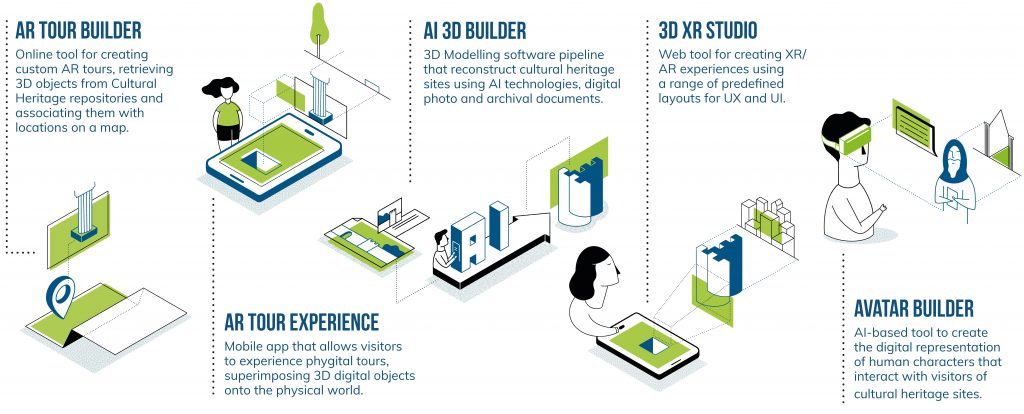
These tools address different aspects of content authoring, user interaction, and immersive experience delivery.
While they are demonstrated through three distinct pilot scenarios, the tools themselves are designed to be generic and adaptable across a wide range of use cases.
Their integration with the EUreka3D Data Hub ensures alignment with broader data infrastructures and contributes to consistency of experience, long-term sustainability, and interoperability.
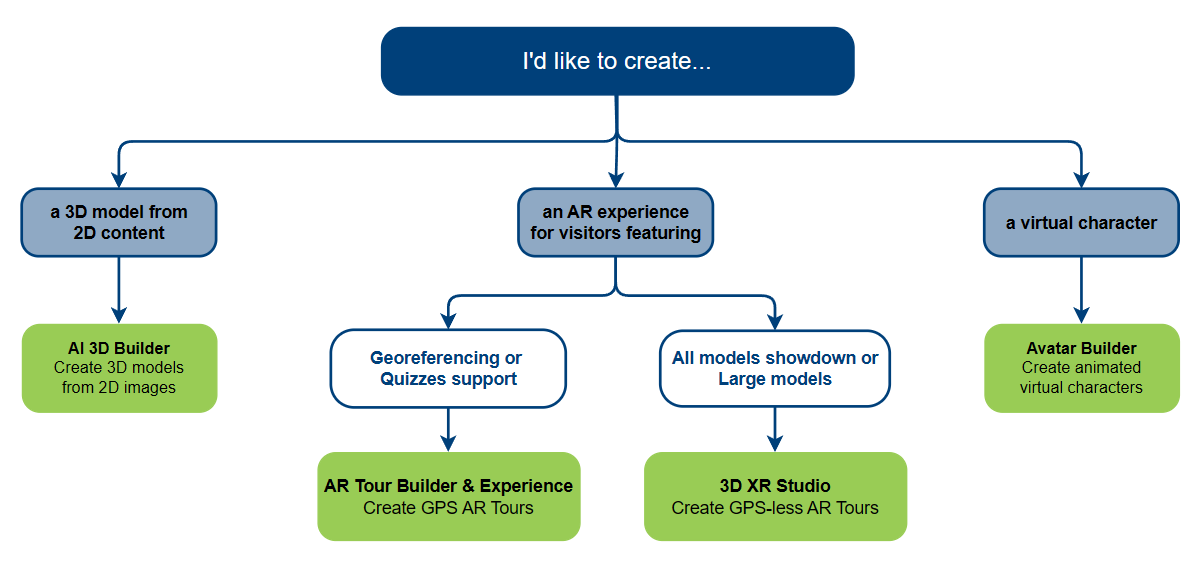
Choose the right tool for your XR project
Start from your goal and discover the tool that fits your scenario.
I want to create a 3D model from 2D images
Turn 2D content (e.g. photographs, archival material) into usable 3D models using an AI-based workflow. No prior 3D modelling experience required.
AI 3D Builder
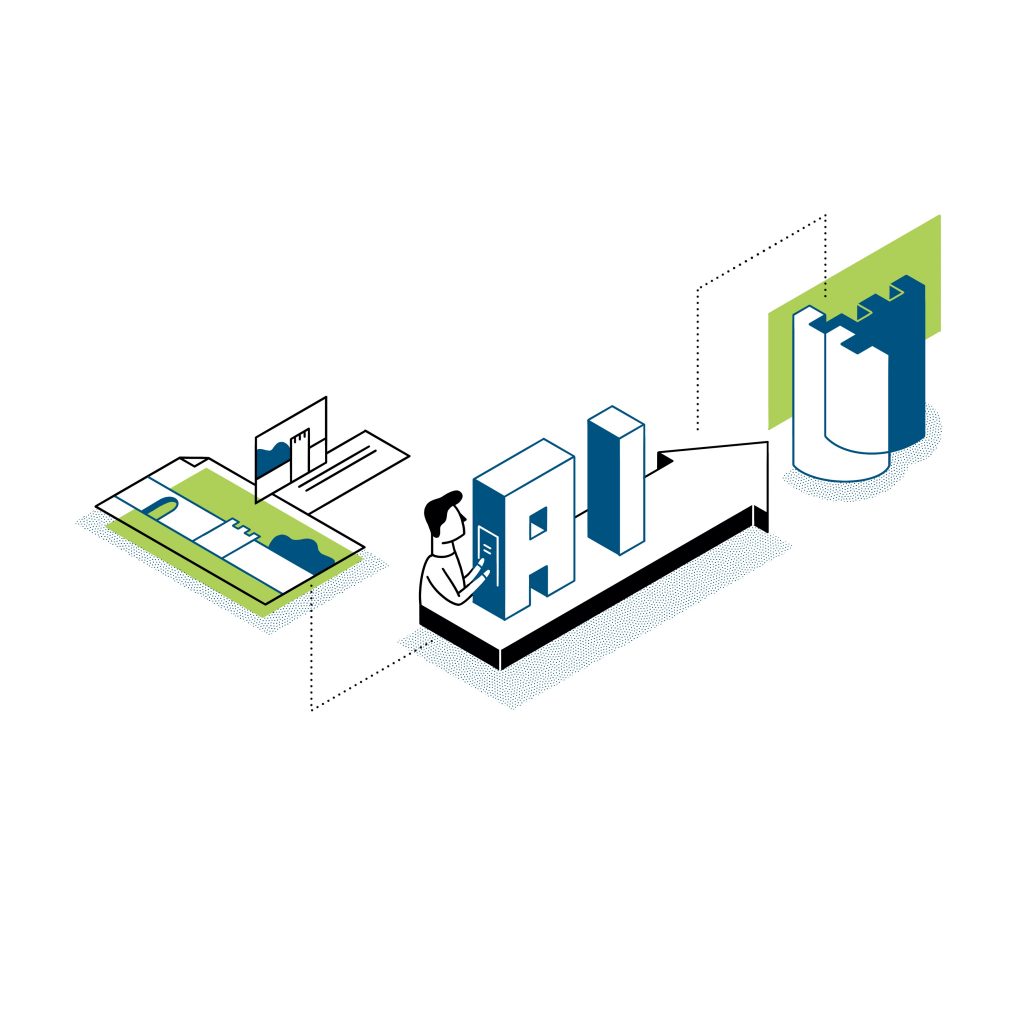
3D Modelling software pipeline based on AI and using digital photo archives
The AI 3D Builder is a semi-automated 3D modelling pipeline designed to generate high-quality 3D objects from photographic sources. Developed by Swing:It, the tool leverages artificial intelligence and photogrammetry techniques to convert 2D images, often sourced from digital photo archives, into clean, optimised 3D mesh models suitable for use in XR applications. The process is designed to be accessible to cultural heritage professionals who may not have prior experience in 3D modelling, lowering the barrier to entry for digitisation and reuse of heritage content.
I want to create a virtual character
Create animated virtual characters that guide, narrate or interact with visitors in XR experiences.
Avatar Builder
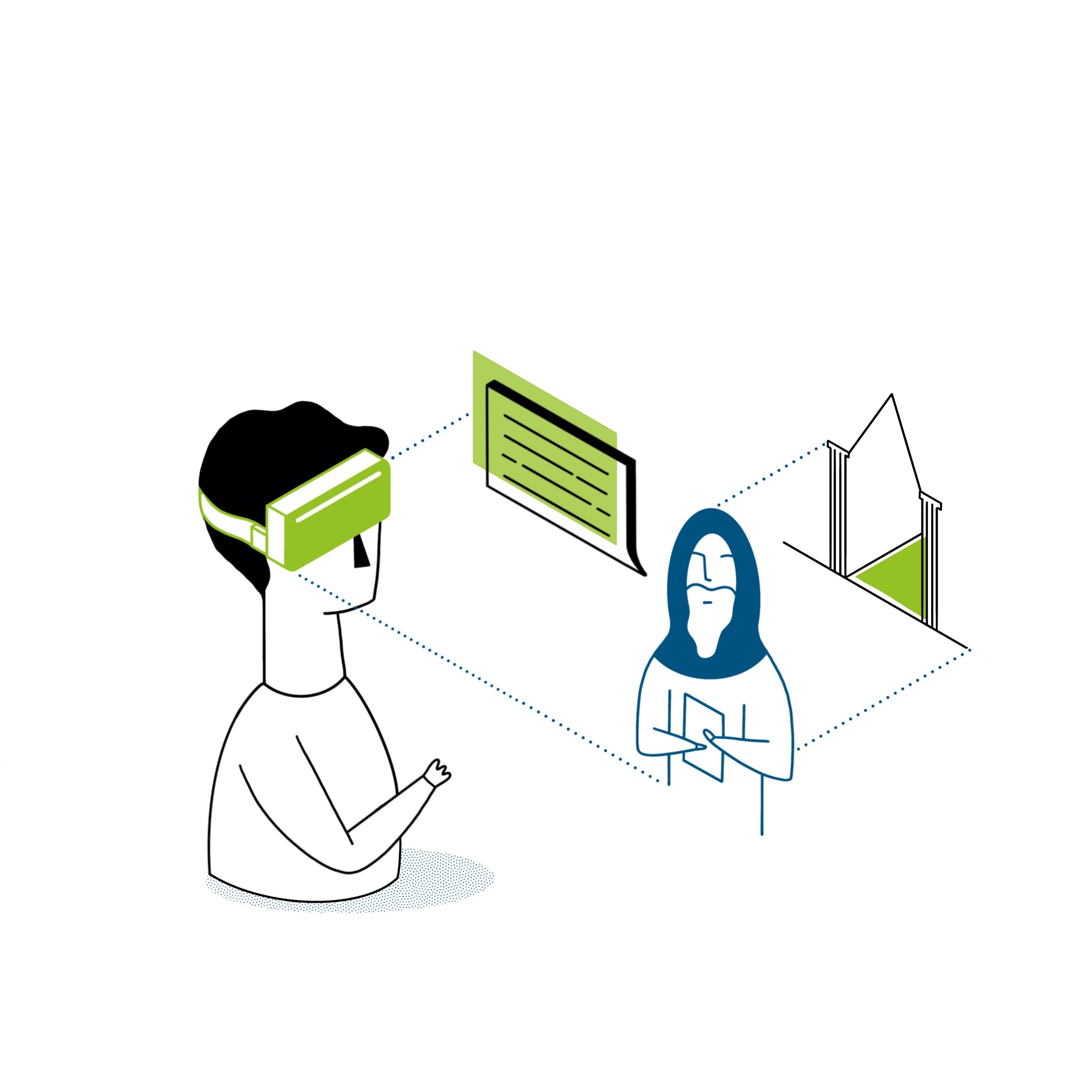
Reusable datasets and guidelines for creating virtual human characters in cultural heritage experiences
The Avatar Builder developed by MIRALab provides a structured methodology for creating animated virtual human characters both for web visualisation and for VR/MR storytelling. Rather than a software tool, it consists of a curated set of assets, guidelines, and best practices for using open-source tools to support the development of culturally and historically grounded avatars for immersive experiences. This workflow is demonstrated within the EUreka3D-XR project through the creation of virtual monks for the Saint Neophytos scenario.
I want to create an AR experience for visitors
Outdoor GPS based tour
Create guided AR tours linked to real-world locations. Visitors navigate using their smartphone and discover content at specific points of interest (POI).
AR Tour Builder
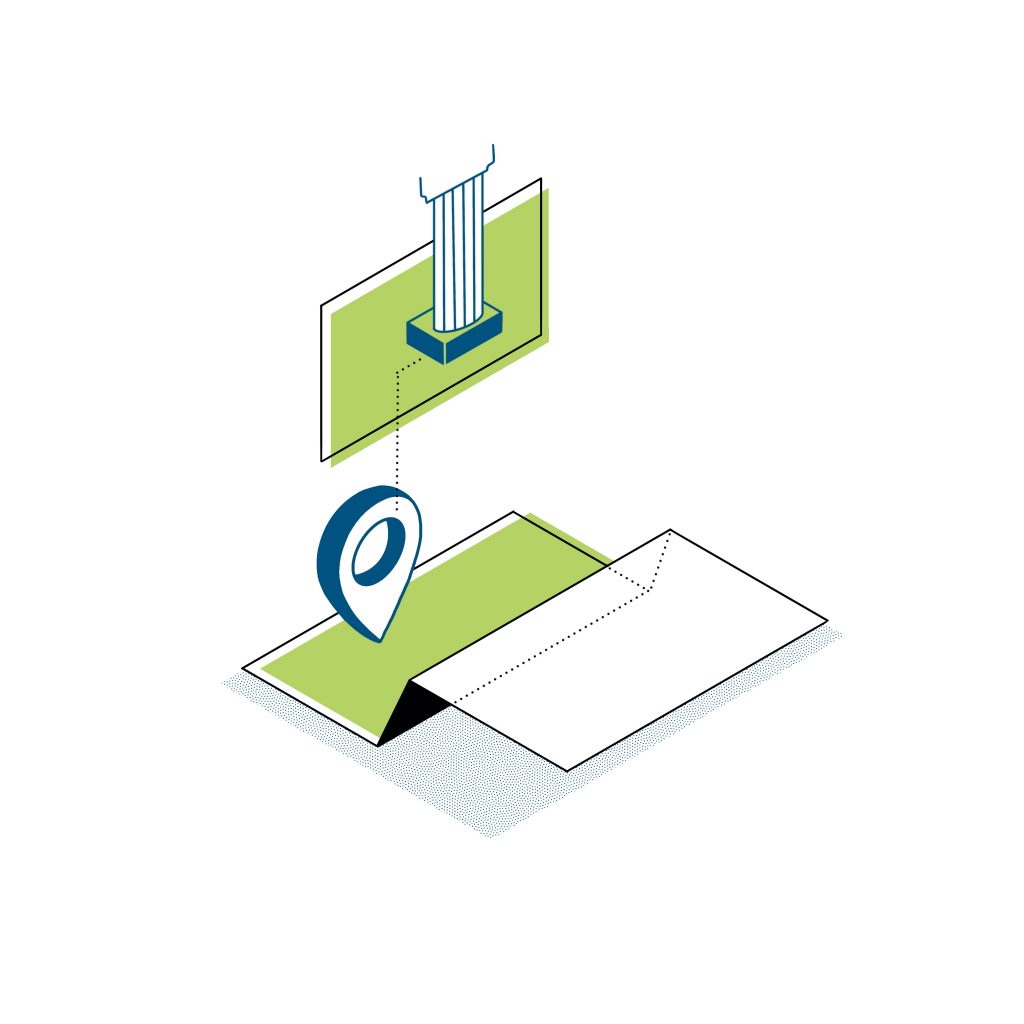
Online tool for creating custom AR tours, retrieving 3D objects from CH repositories such as Europeana and associating them with locations on a map
The AR Tour Builder, developed by NTUA, is an online tool designed to create and manage location-based augmented reality (AR) tours, which are delivered through the AR Tour Experience mobile application. Together, these two tools offer CHIs and other stakeholders a complete solution for authoring and deploying custom AR tours.
AR Tour Experience
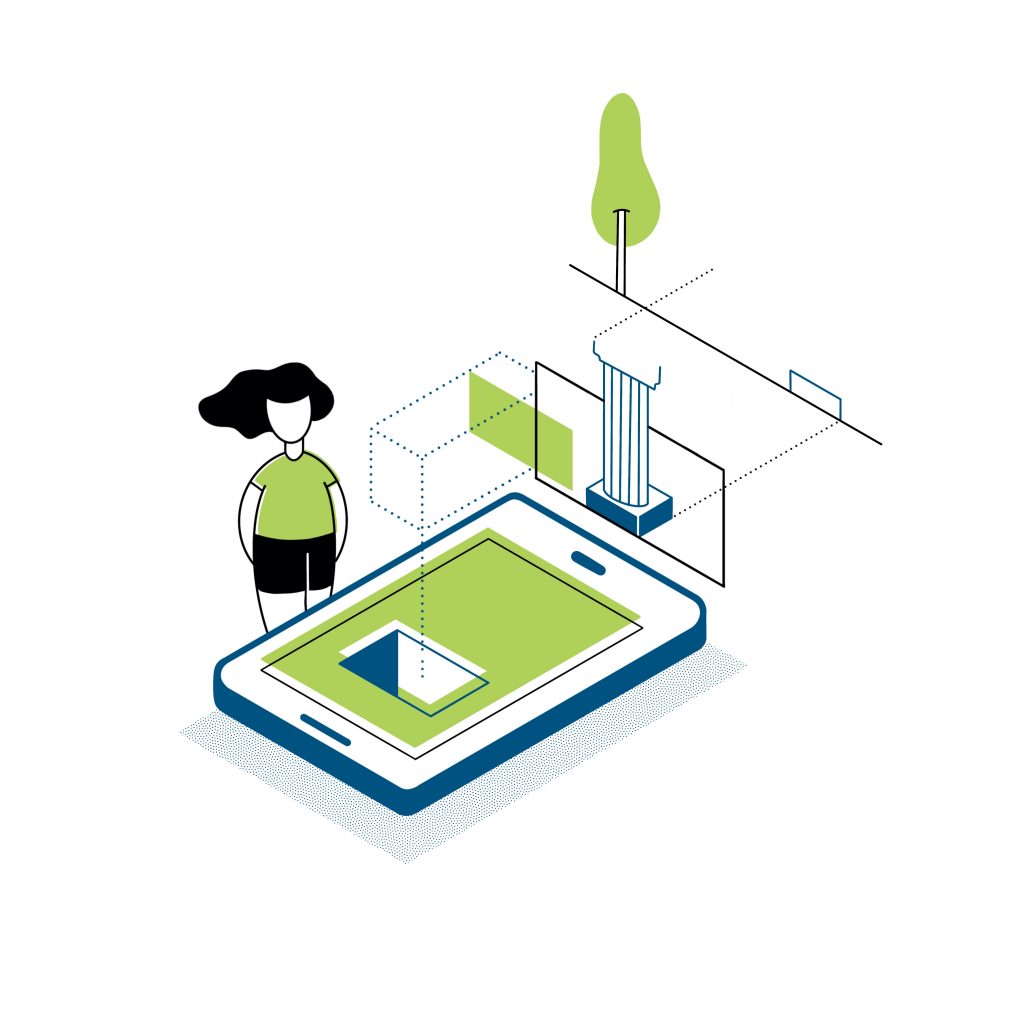
Mobile app that allows visitors to experience phygital tours by superimposing 3D digital objects onto the physical world (AR) and providing other types of accompanying digital information
The AR Tour Experience, also developed by NTUA, complements the AR Tour Builder tool and serves the tours designed by the CH professionals to the on-site visitor. Through a clean and intuitive interface, visitors can browse and select tours available on their location based on their preferences.
AR experience in controlled environments with physical QR-points for visitors
Create AR experiences with defined routes, scenes and interactions. Works without GPS and can be used offline after download.
3D XR Studio
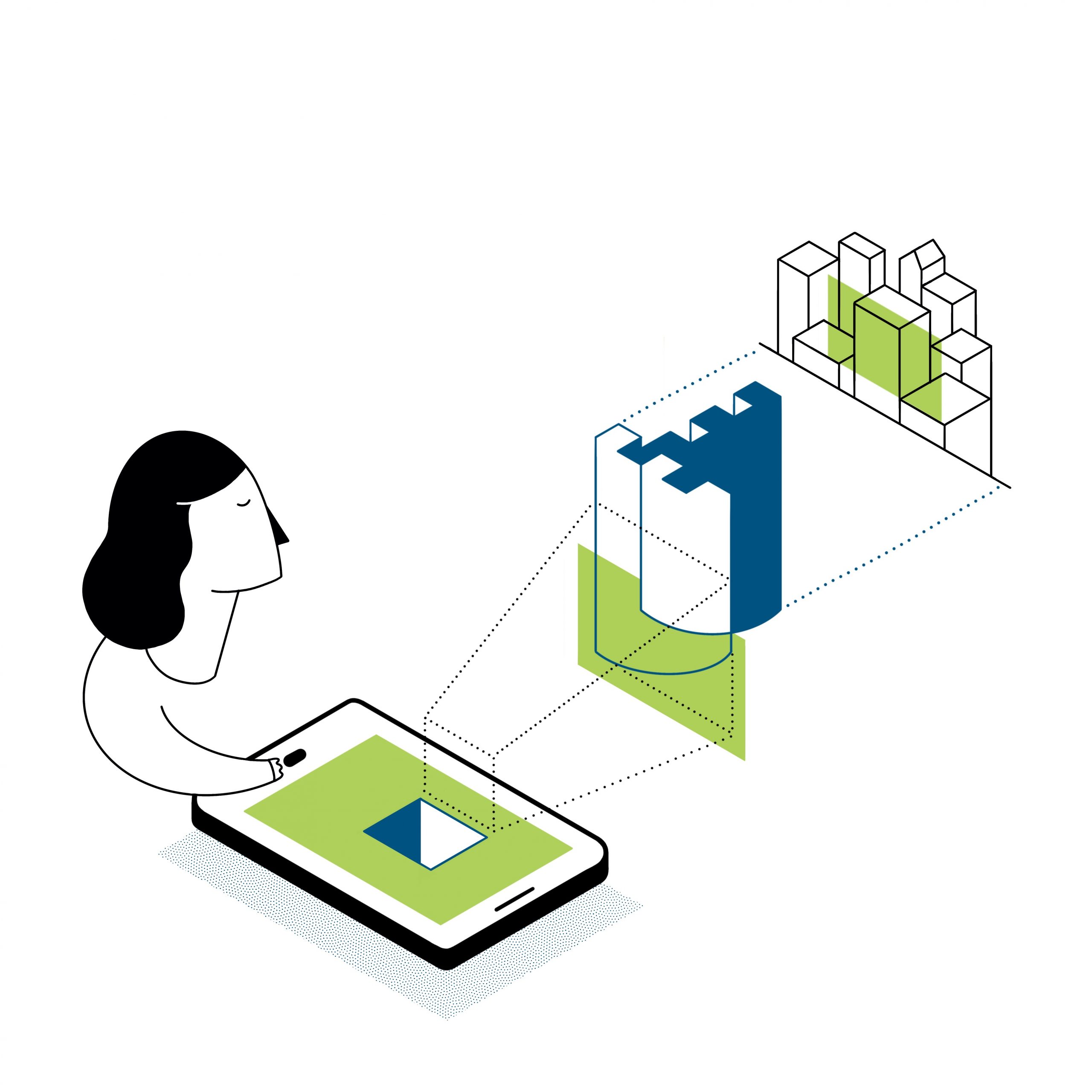
Web tool for creating XR/AR experiences, also using a range of predefined layouts for UX and UI
The 3D XR Studio, developed by Swing:It, is a web-based authoring tool that enables users to create immersive XR and AR experiences by combining a variety of digital assets, such as 3D models, images, video, audio, and text. Designed with cultural heritage professionals in mind, the platform offers a user-friendly environment that requires no coding skills and focuses on visual storytelling, accessibility, and intuitive interaction. The tool features a flexible layout system based on predefined templates that support a range of narrative structures and interaction flows.
AR Tour Builder and 3D XR Studio. What’s the difference?
Both tools allow you to create XR experiences, but they are designed for different contexts. These tools let you create AR experiences, by using 3D models and other (multimedia) content to support storytelling and guided exploration of your visitors. There are however some key differences.
| AR Tour Builder + Experience | 3D XR Studio | |
| Best for | Outdoor tours on heritage sites that require precise positioning | Outdoor and indoor tours (for example, in museums): customisable for every site The tool can manage very large 3D models, such as historic city walls, which can be viewed from a great distance. |
| Visitor navigation | GPS-based: real-time navigation Support for both free-roam and guided tours on a fixed path | Route-based using synchronisation points in a controlled environment |
| Offline use | Yes, after download | Yes, after download |
| Multilingual support | Yes | Can be customised |
| Edit content on site as curator | No | Yes |
| Other functionalities | a) Support for audio files accompanying a 3D item viewer b) Support for exact georeferencing and anchoring of 3D models in AR mode | a) Support for images, audios and videos b) Support transformation of models, path points, points of interest both in the web and mobile component for curators. |
Ready to start?
Explore the tools, manuals and tutorials!
- Discover the AR Tour Builder and Experience (NTUA)
- Discover the AI 3D Builder (Swing:It)
- Discover the 3D XR Studio (Swing:It)
- Discover the Avatar Builder (MIRALab)